Built for real IPTV setups
Built for how people actually watch TV.
Real IPTV providers are not always clean or consistent. Lynvizo handles mixed playlists, multiple EPG sources, catch-up attributes and provider-specific headers — so you can fix more inside the player instead of editing files manually.
📁
Playlist sources
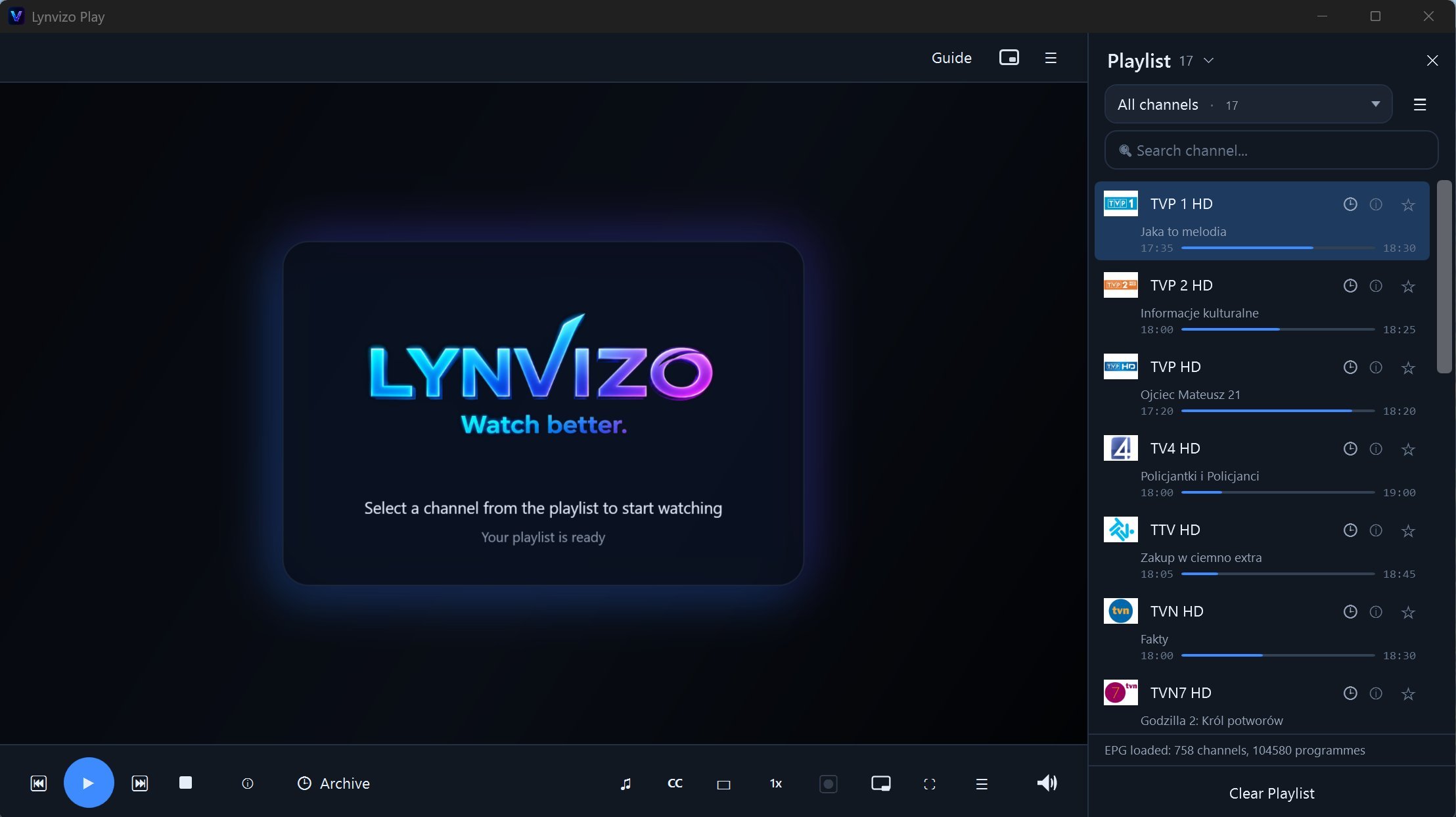
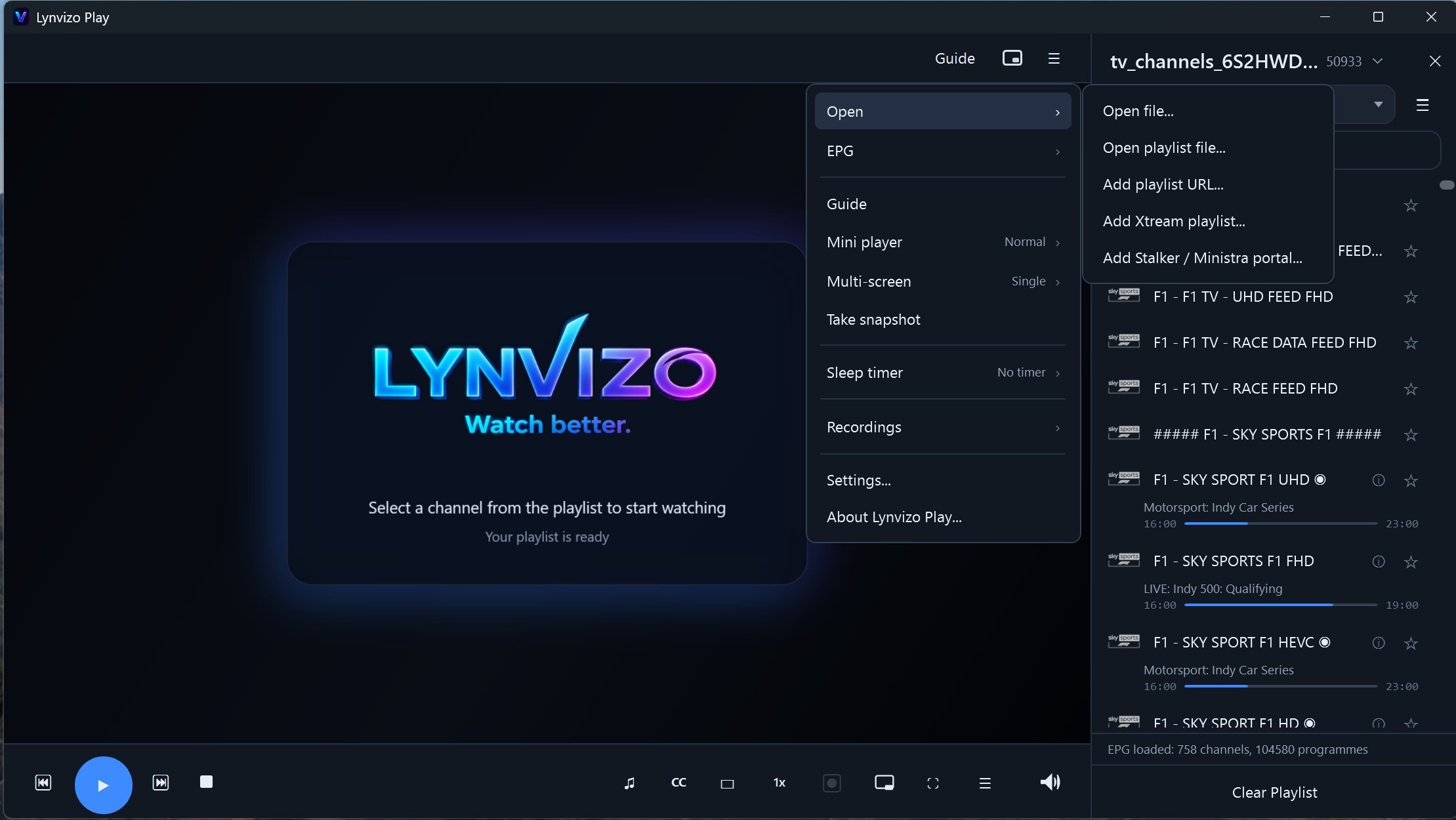
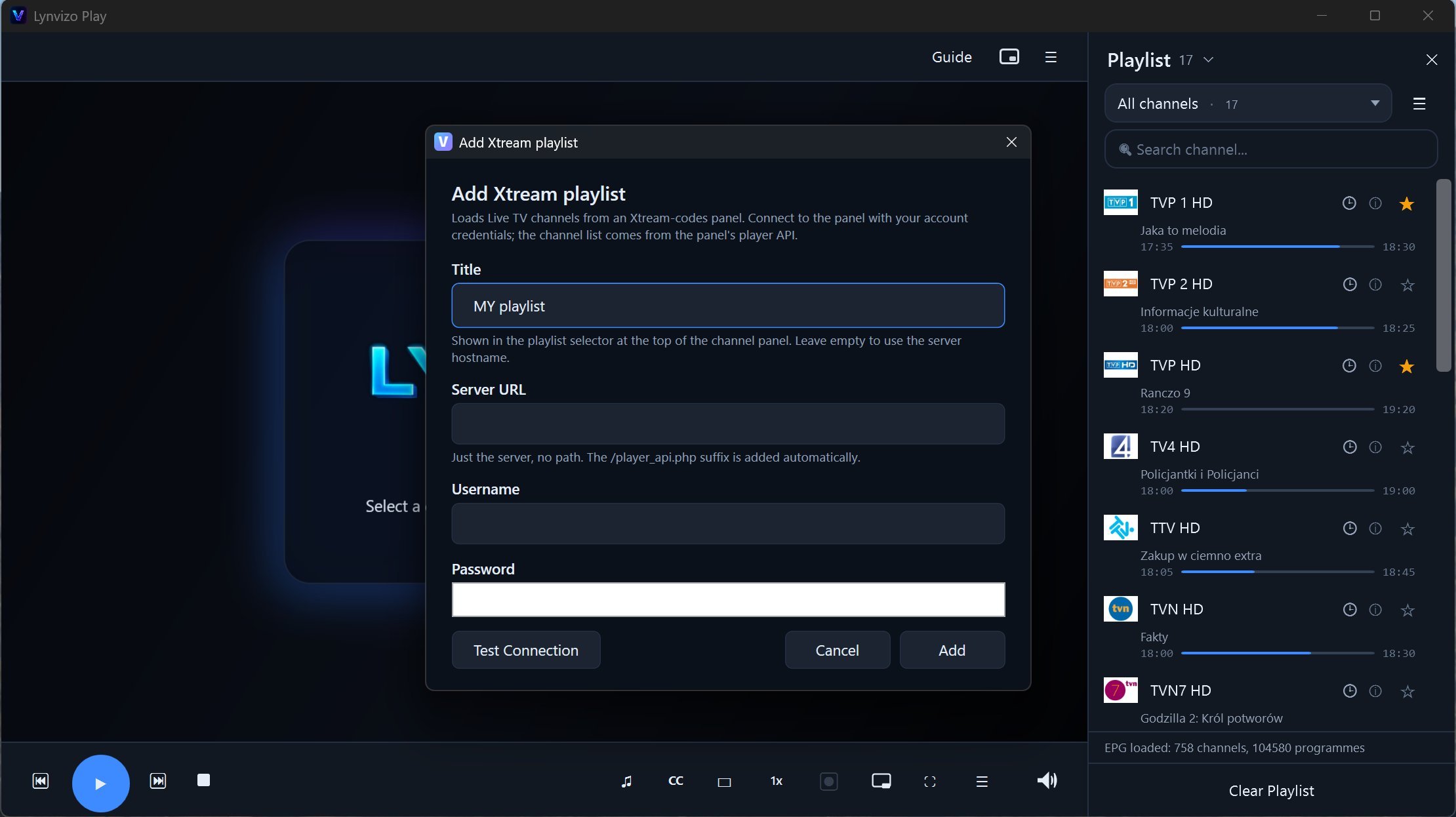
Use local M3U/M3U8 files, remote playlist URLs, Xtream Codes and multiple playlists.
🗓️
Multiple EPG sources
Add several XMLTV EPG URLs, including gzip sources, and let Lynvizo match guide data to your channels.
⏺️
Catch-up and recording
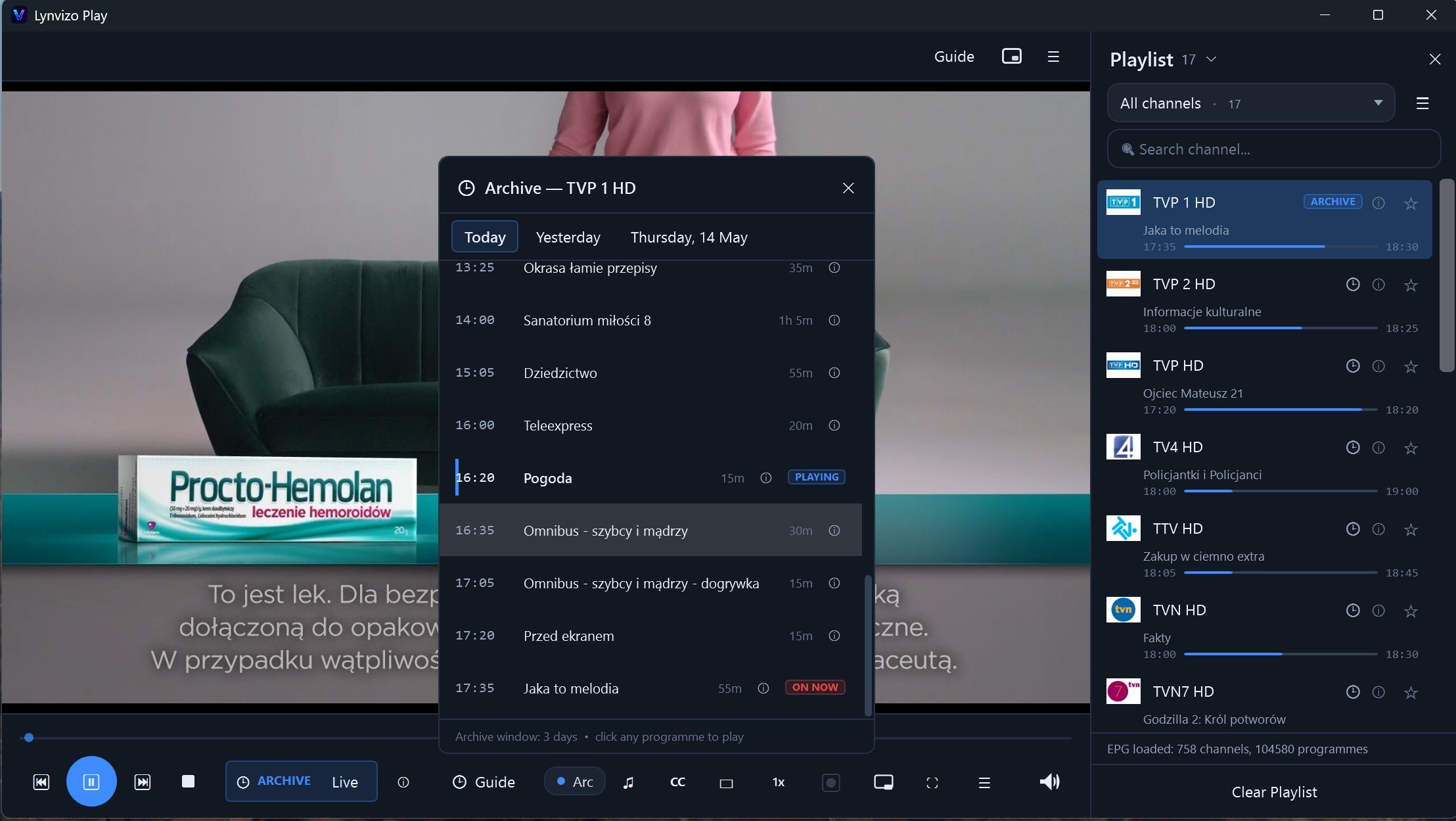
Watch programmes from archive when your provider supports it, record live TV instantly, or schedule a programme directly from the TV Guide.
🔌
Provider headers
Custom User-Agent, Referer and HTTP headers help with providers that require specific requests.
⏸️
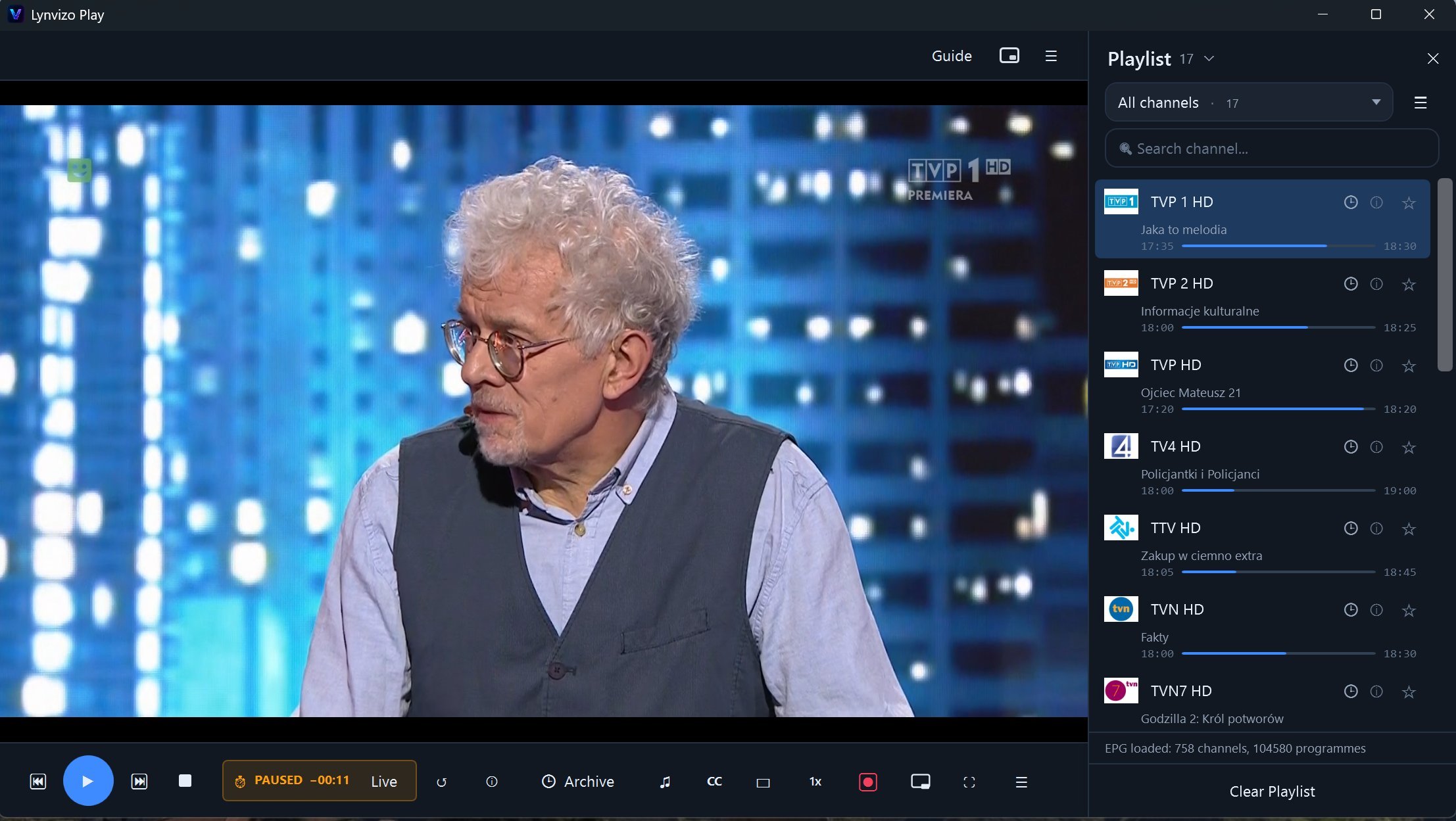
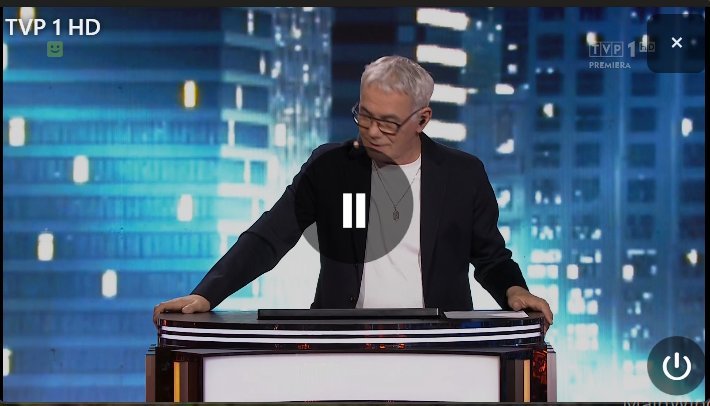
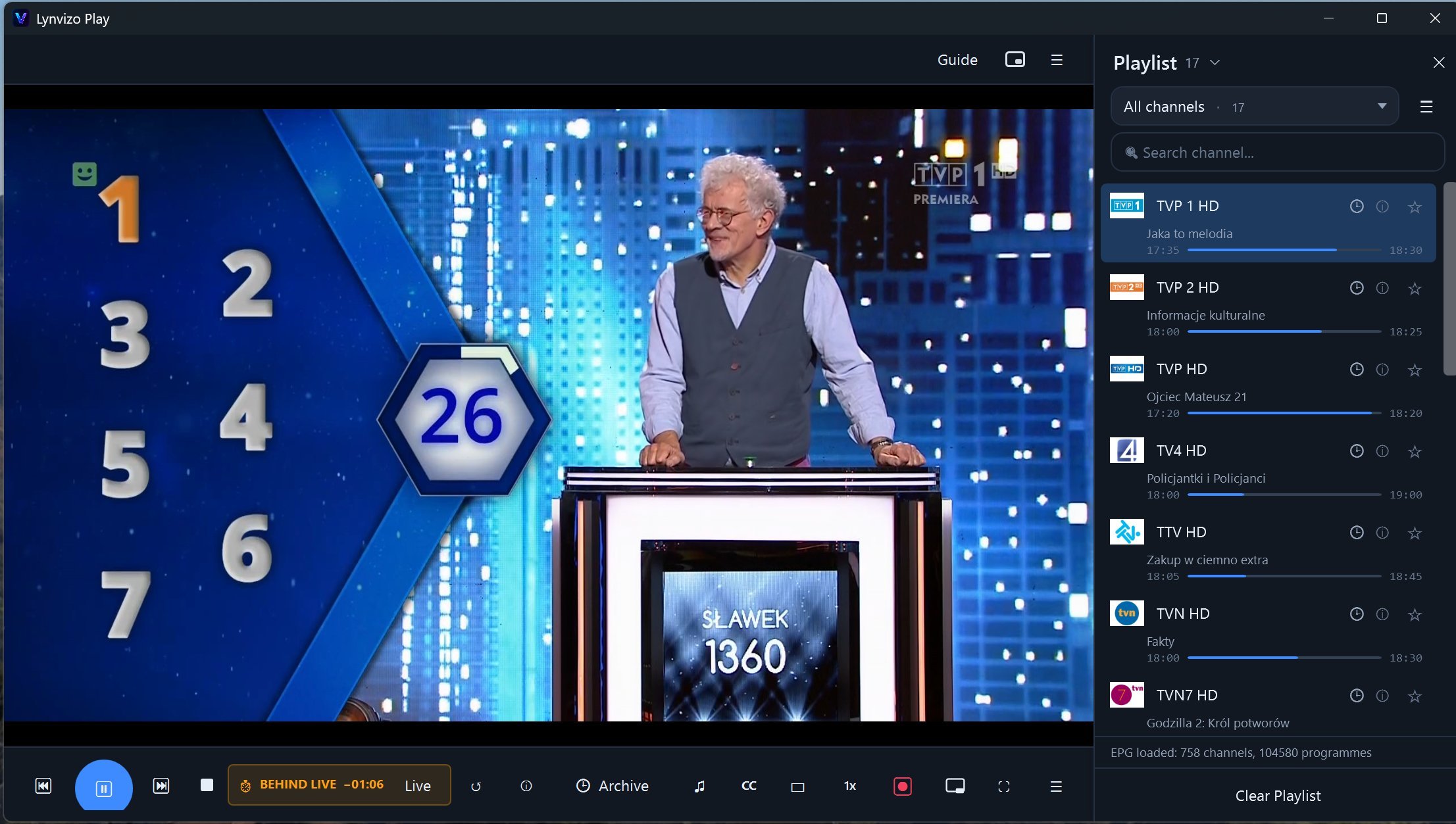
Pause Live TV
Step away from the screen — the player keeps a local timeshift buffer, so you resume from the exact same moment. One tap returns you to live.
⏪
Catch-up archive
Missed last night's film or yesterday's match? Open the channel's archive, pick the programme and watch from the start — when supported by your playlist or provider.
🗓️
Full TV Guide
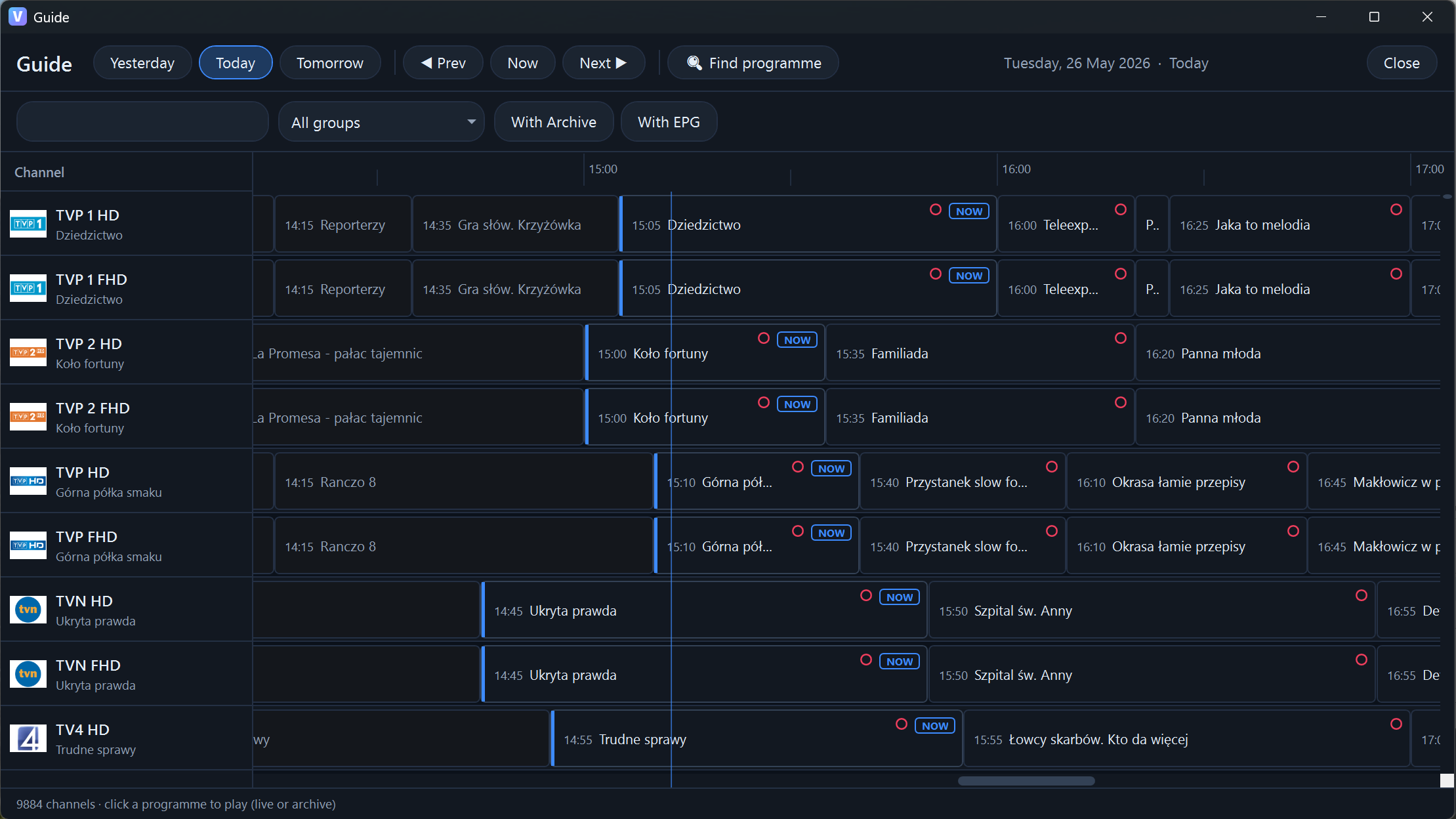
Every channel's schedule on one grid — what's on now, what's next, what played earlier today or yesterday. XMLTV with gzip, auto-detected from your playlist (tvg-url) or set manually. Filter to channels with EPG or with archive only.
🔴
One-click EPG recording
Click the small record dot directly on a programme in the TV Guide to schedule it. Changed your mind? Click the same dot again to cancel before recording starts.
📺
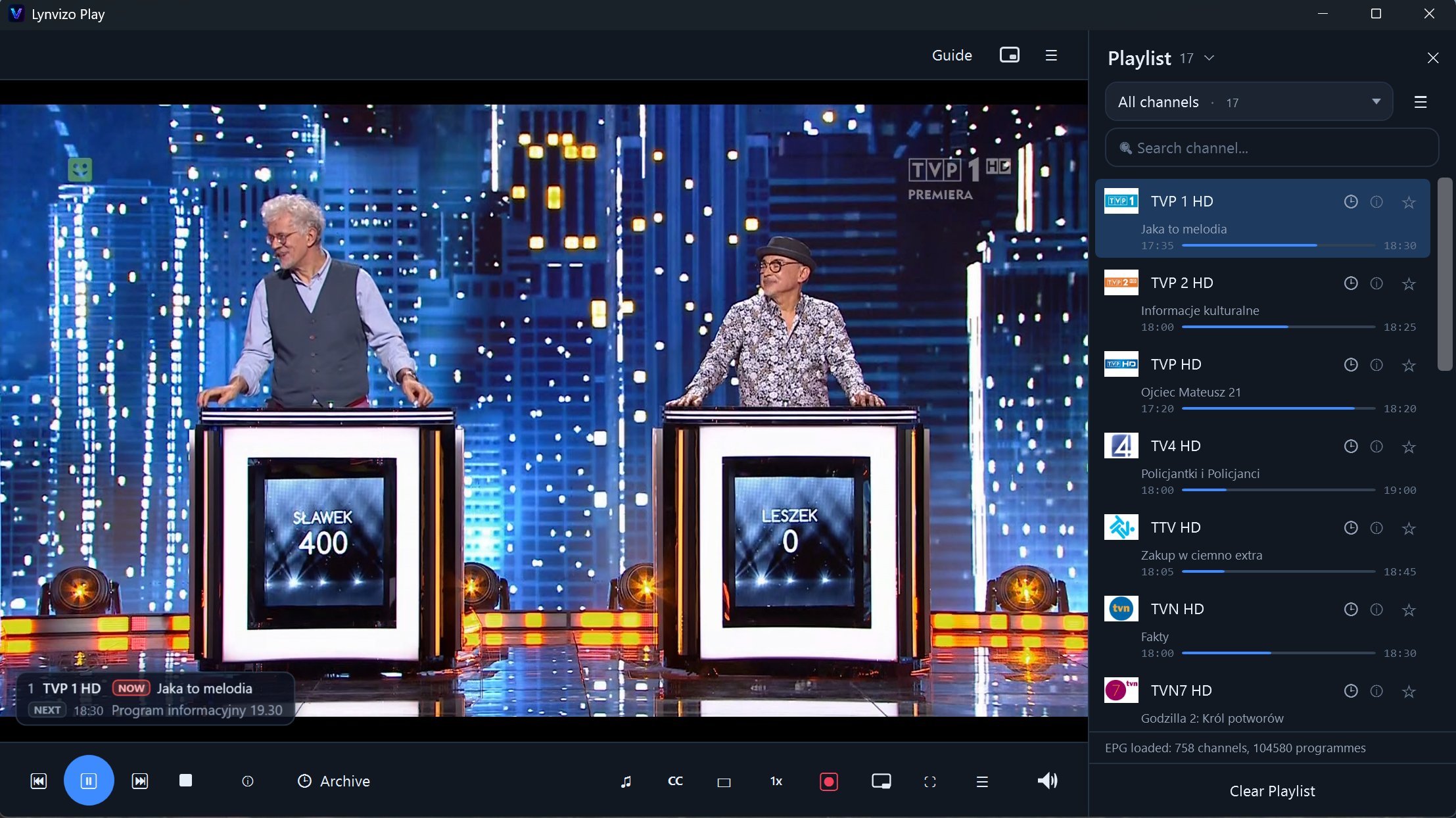
Now / Next OSD
A compact overlay shows the current and upcoming programme right on top of the video — you always know what's coming.
⏺️
Instant recording
Hit Record and the current channel saves straight to disk in MP4, MKV or TS. Keep watching while it records — files are ready when you stop.
📅
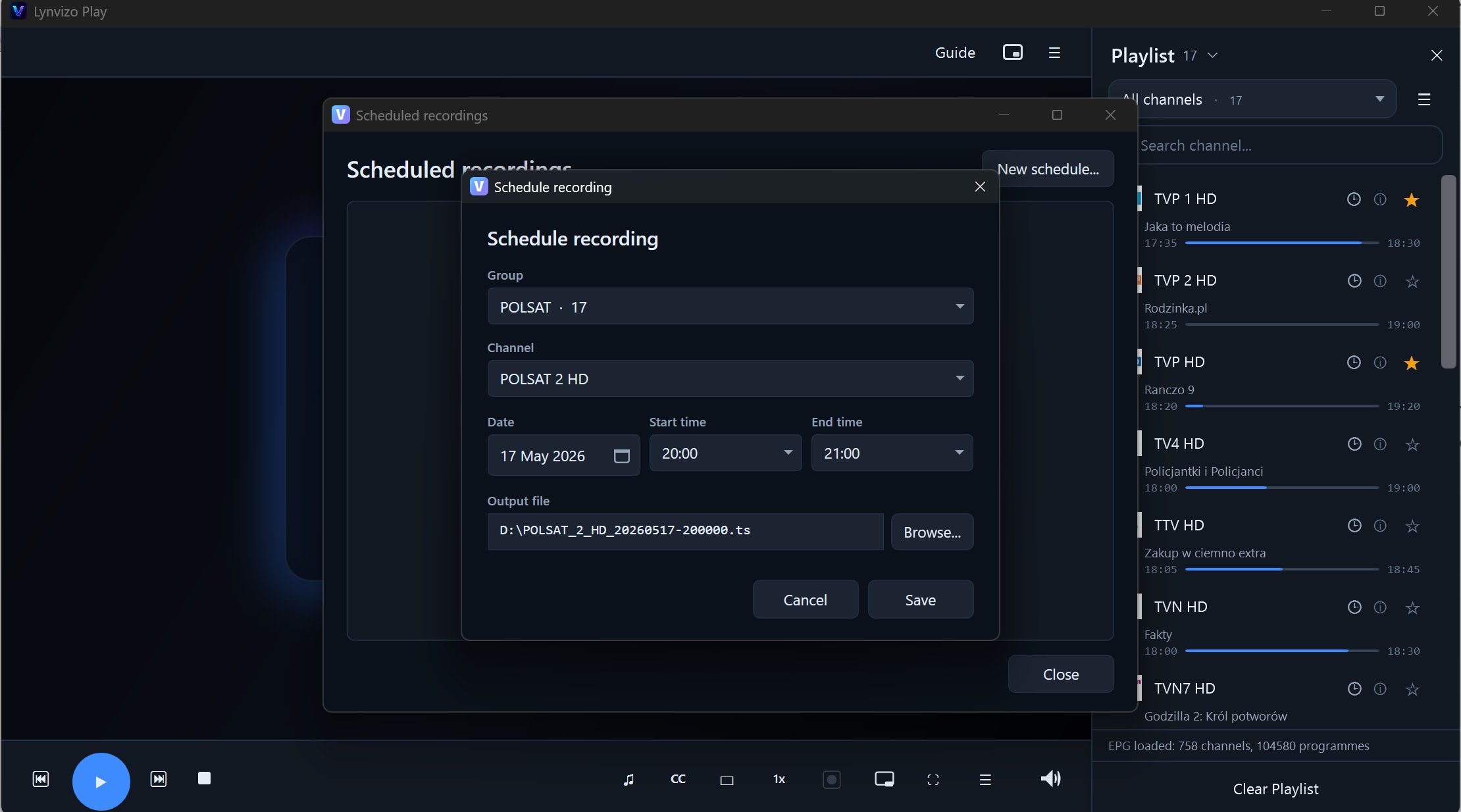
Scheduled recording
Use the scheduler manually or start from the EPG programme block. Lynvizo captures it on time with an automatic file name.
⏰
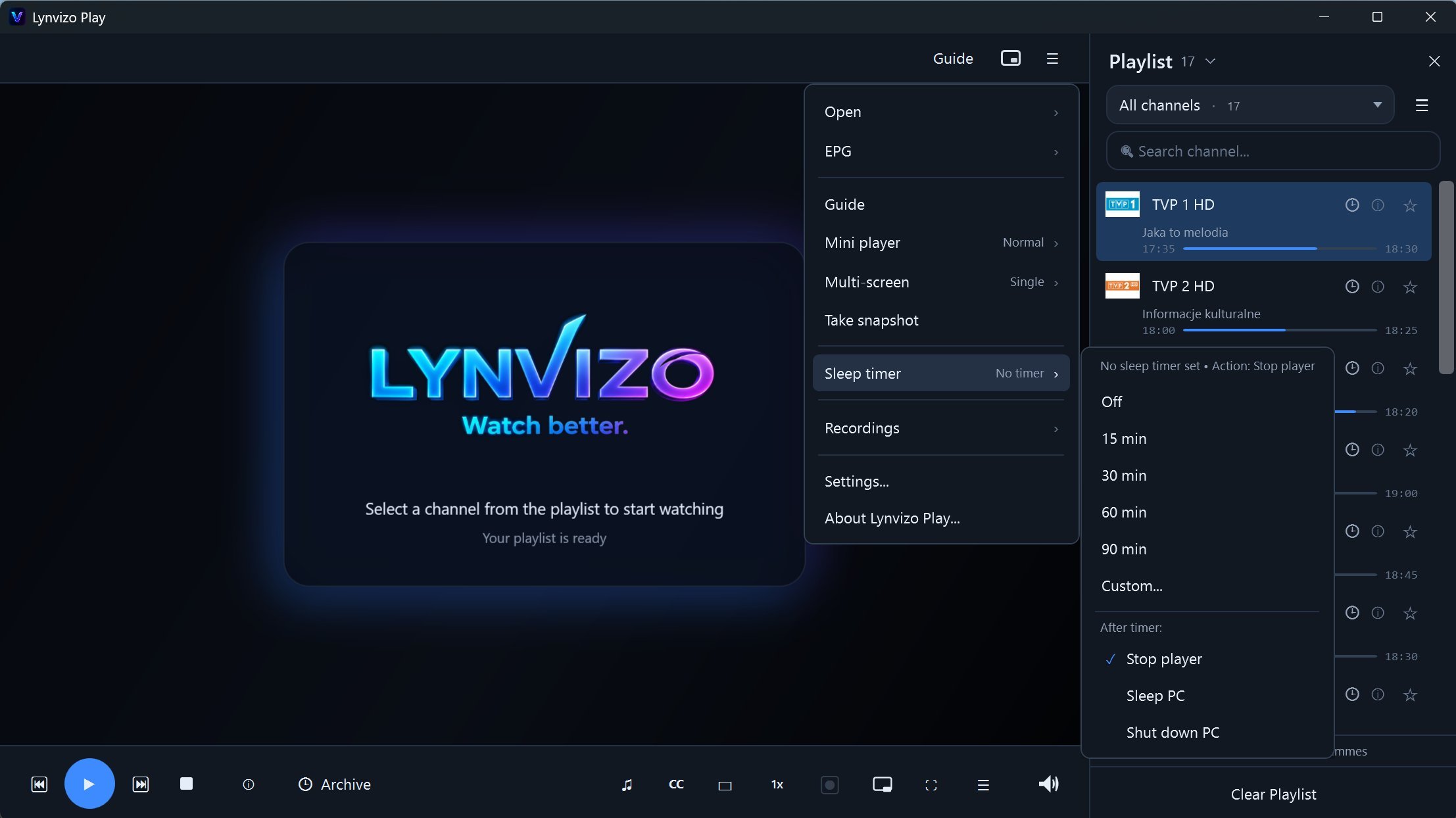
Sleep timer
Fall asleep watching? Set 15, 30, 60 or 90 minutes — or a custom time — and the player stops on its own.
🔲
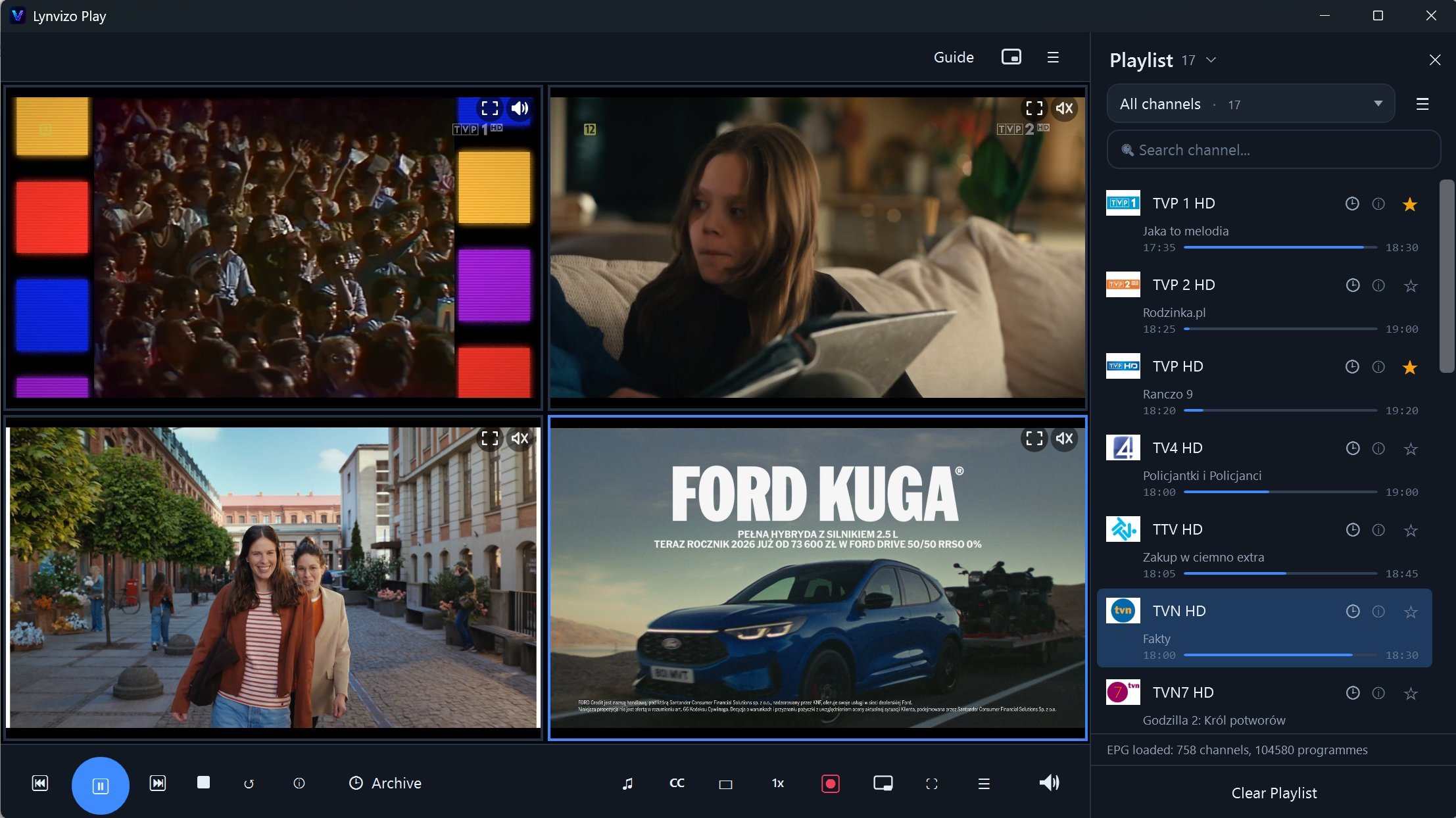
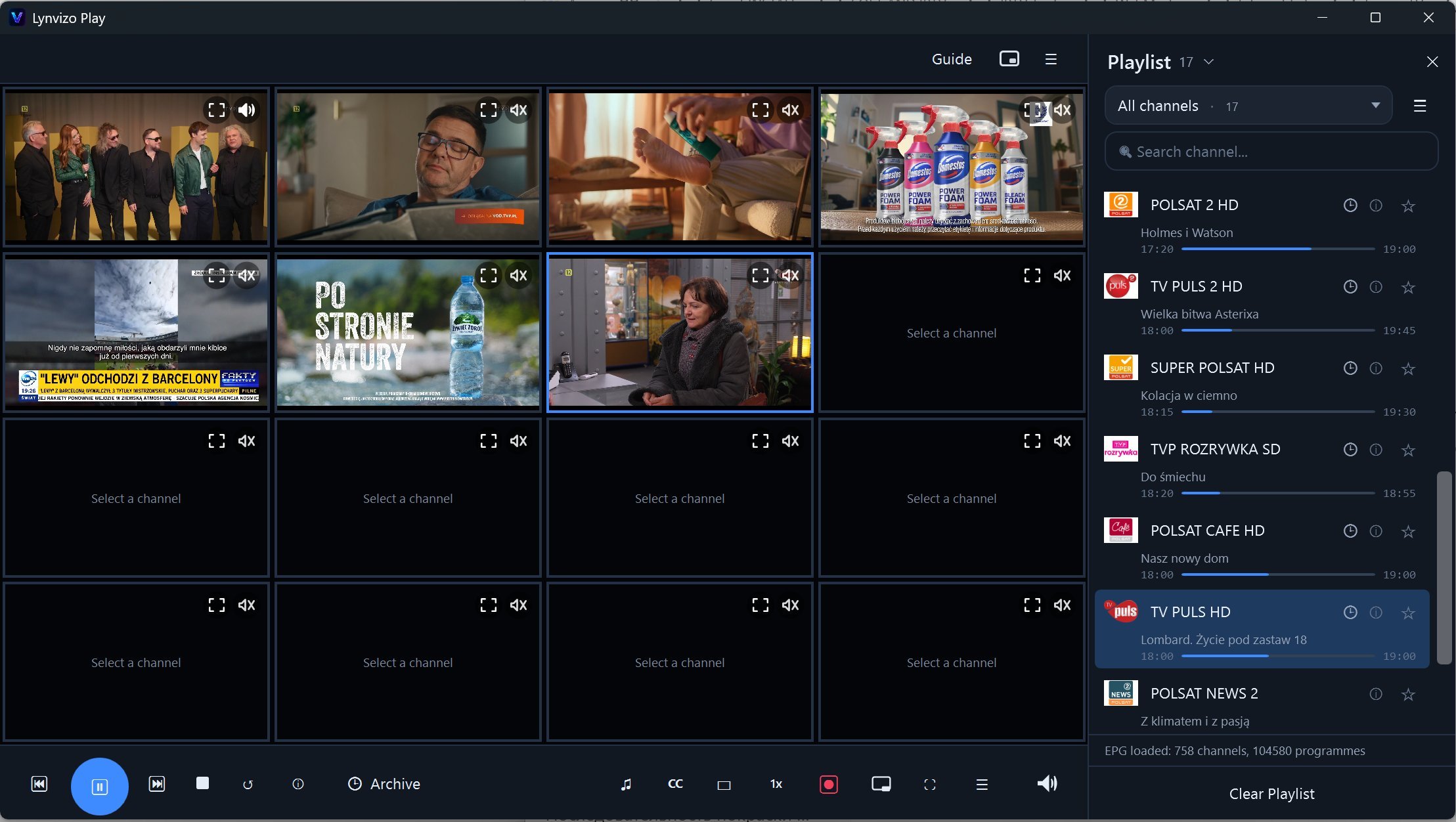
Multi-screen viewing
Watch 2, 4, 8 or up to 16 channels at once. Click a tile to select it, or drag a channel from the list straight onto any screen.
🔊
Smart Multi-Screen audio
Optional audio-follow mode moves sound to the screen you select and keeps the other tiles silent. Manual per-screen mute remains available.
🪟
Mini Player & PiP
Shrink the player to a compact always-on-top window — keep watching while you work in other apps. Ctrl + M toggles modes.
🎬
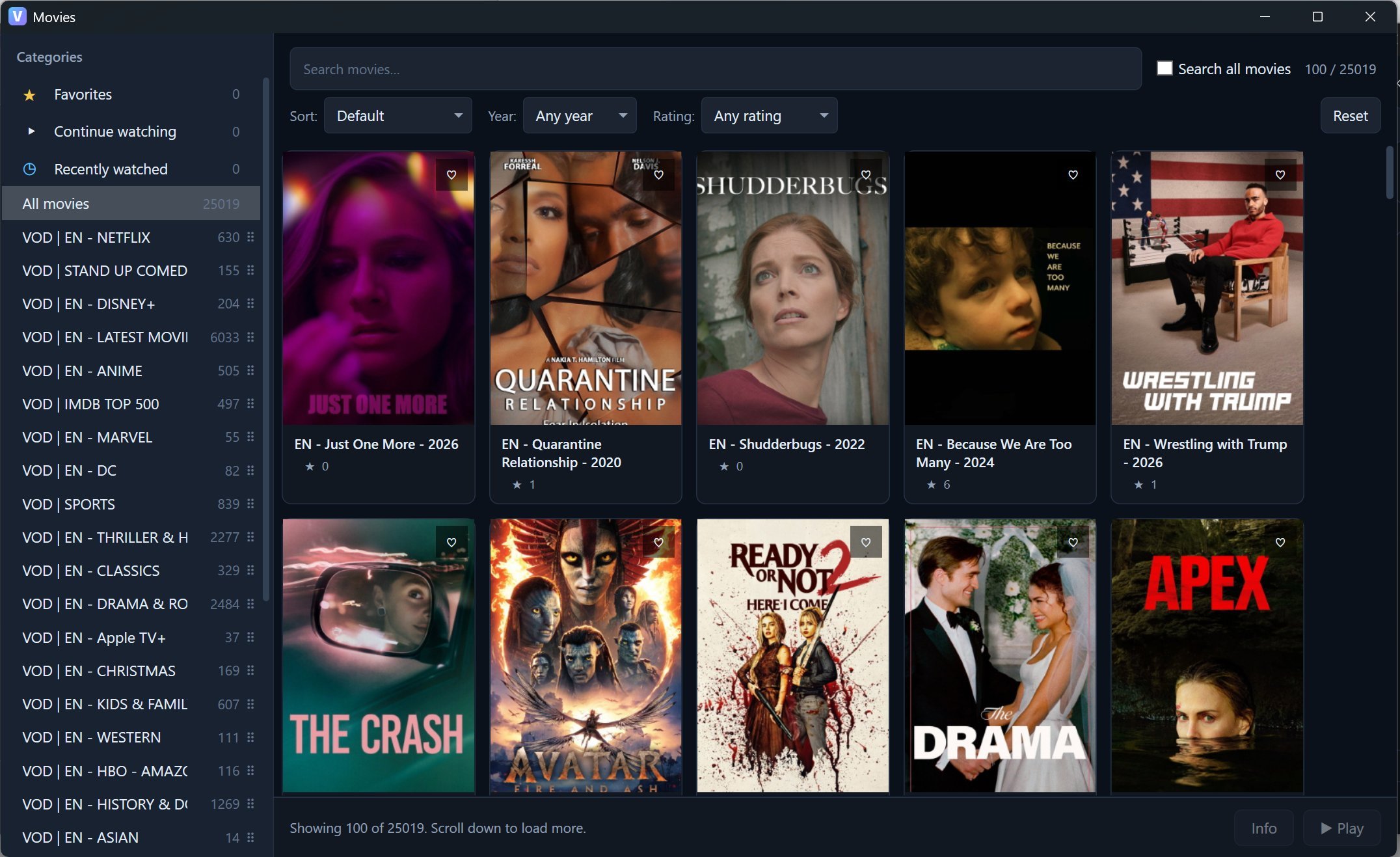
Xtream Movies & Series
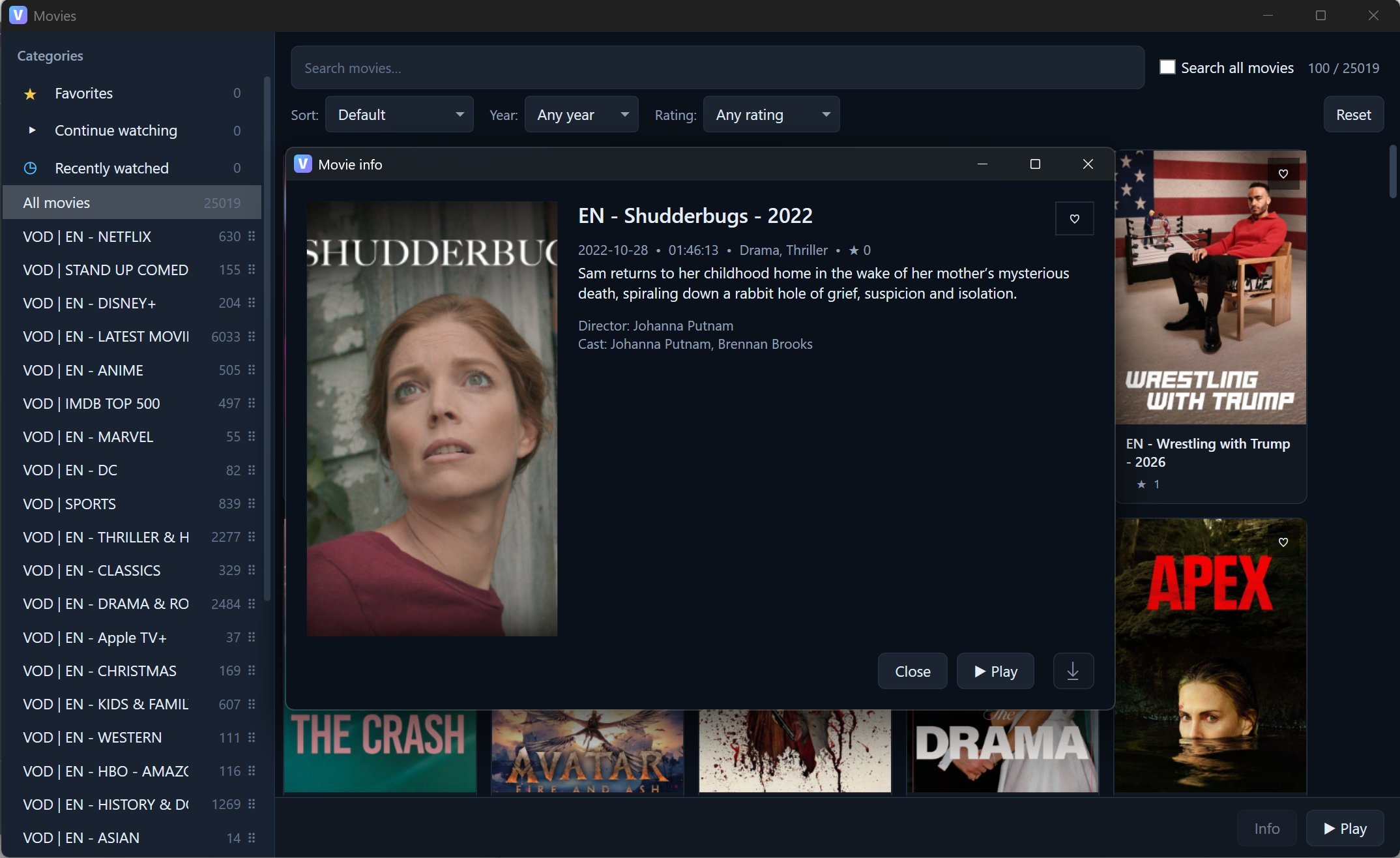
Beyond Live TV — browse films and series from your Xtream provider with posters, plot, cast, rating, seasons and episodes. Mark episodes as watched, download movies offline (when allowed), and re-open your library instantly thanks to local caching.
▶️
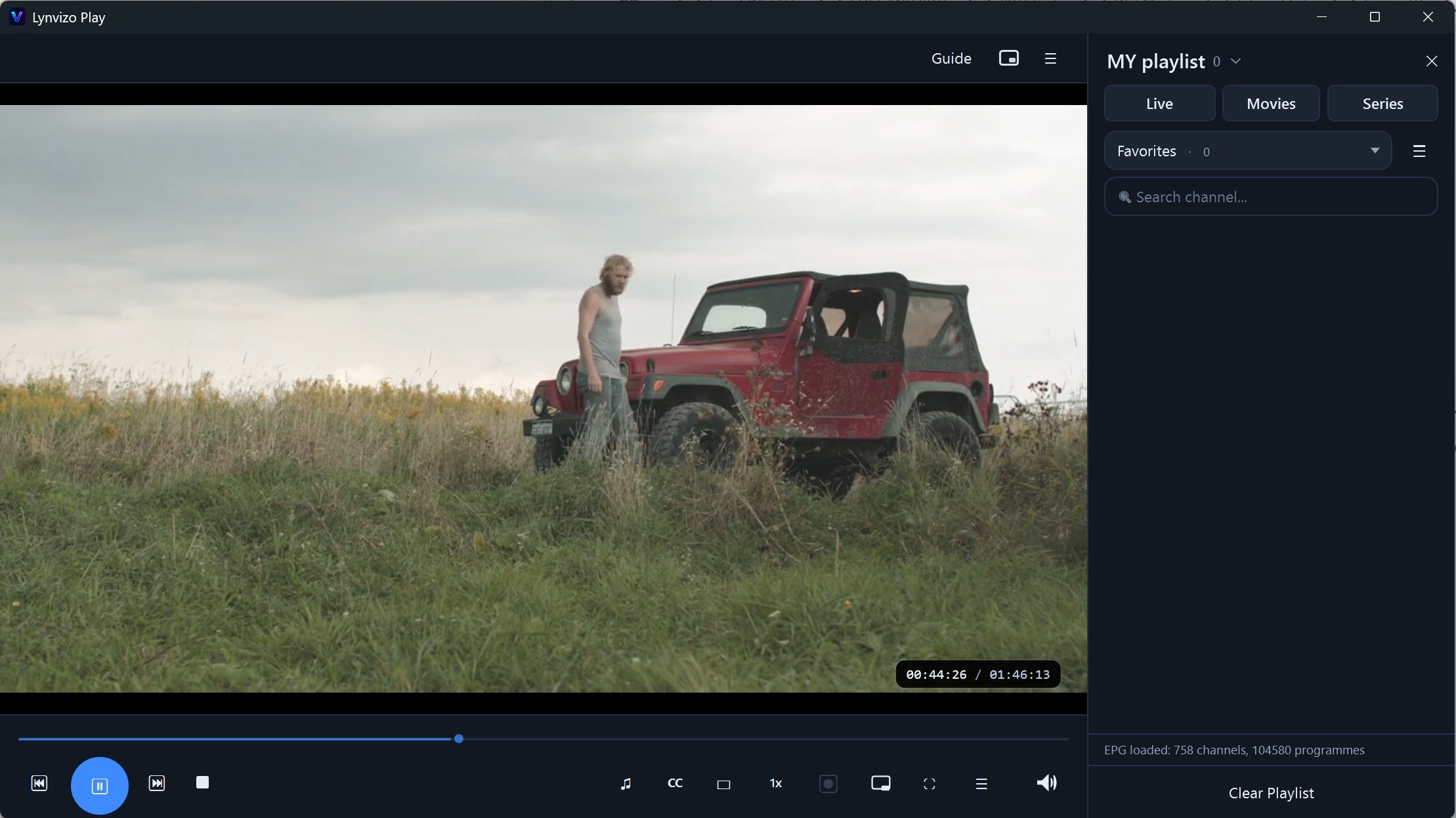
Resume VOD
Stop a movie or an episode midway, come back later — playback continues from the exact second you left.
🔒
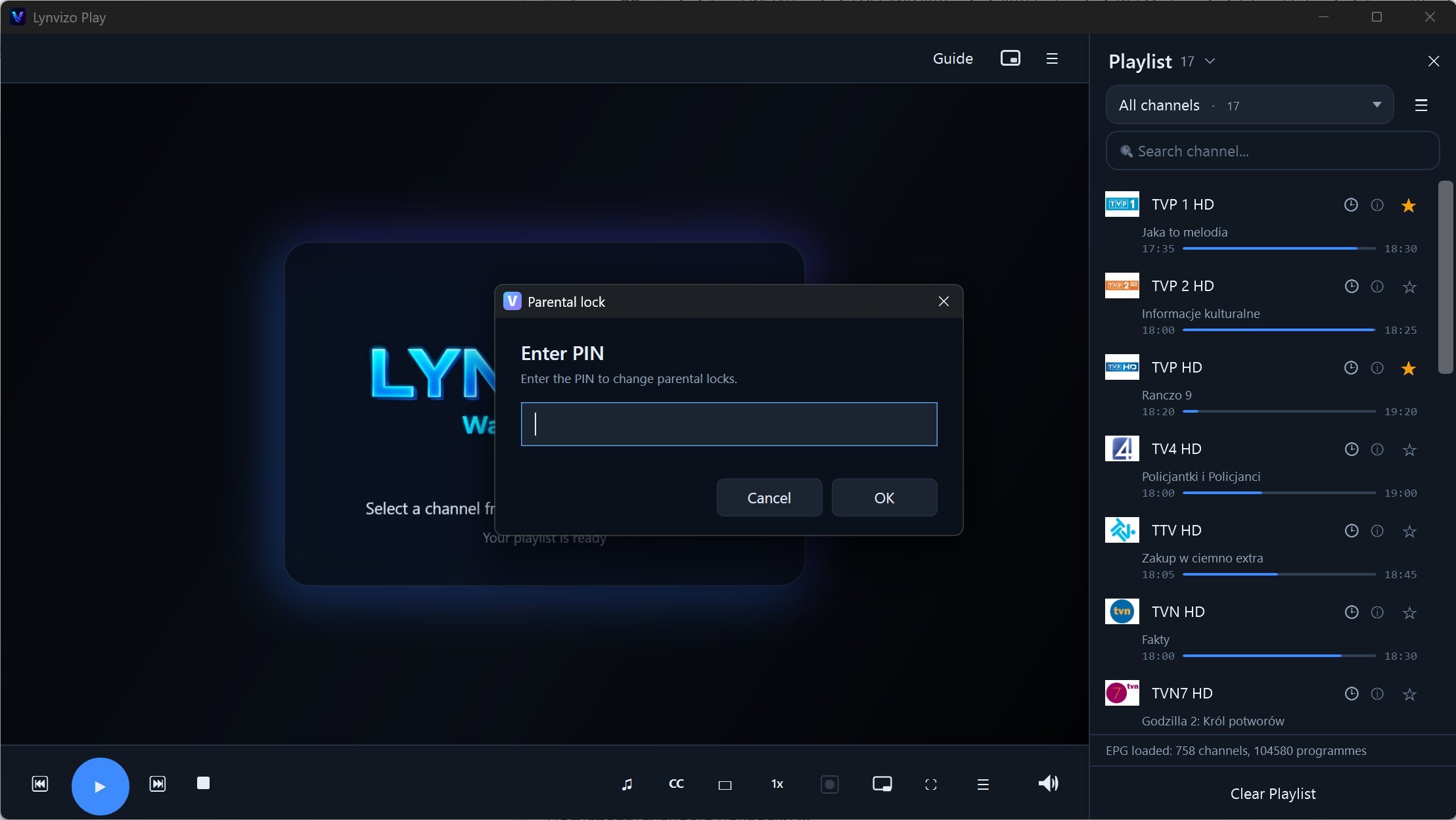
Parental lock
Protect selected channels with a PIN. Locked channels stay hidden until the PIN is entered.
🛡️
Network resilience
Tunable network buffer (1000 / 1500 / 3000 ms), HTTP reconnect on EOF and adaptive frame skipping keep streams stable on unreliable connections.
🔌
Provider compatibility
Custom User-Agent, Referer and HTTP headers — helps work with providers that require non-standard request headers.
🖥️
Clean Windows desktop UI
A modern desktop interface with dark and light themes. Comfortable for non-technical users and IPTV enthusiasts alike.
💾
Saved Multi-Screen grids
Save complete named grid layouts and reopen them later. Update, rename or delete presets without rebuilding your screens every time.
↗️
Drag & drop channels
Build a split-screen layout naturally: drag a channel from the channel list and drop it directly onto the screen where you want it.
ℹ️
Stream information
Open technical stream details from the player — video codec, resolution, audio details, bitrate and the source URL for troubleshooting or testing.